

HRMS apps for web, desktop and mobile browsers: Your team is not
all sitting at a desk.
A full web app that also works on a phone, with GPS and selfie check-in in the browser, an offline-capable Windows desktop tracker and a browser extension for Chromium browsers. Native iOS and Android apps are in development. All on one employee record.
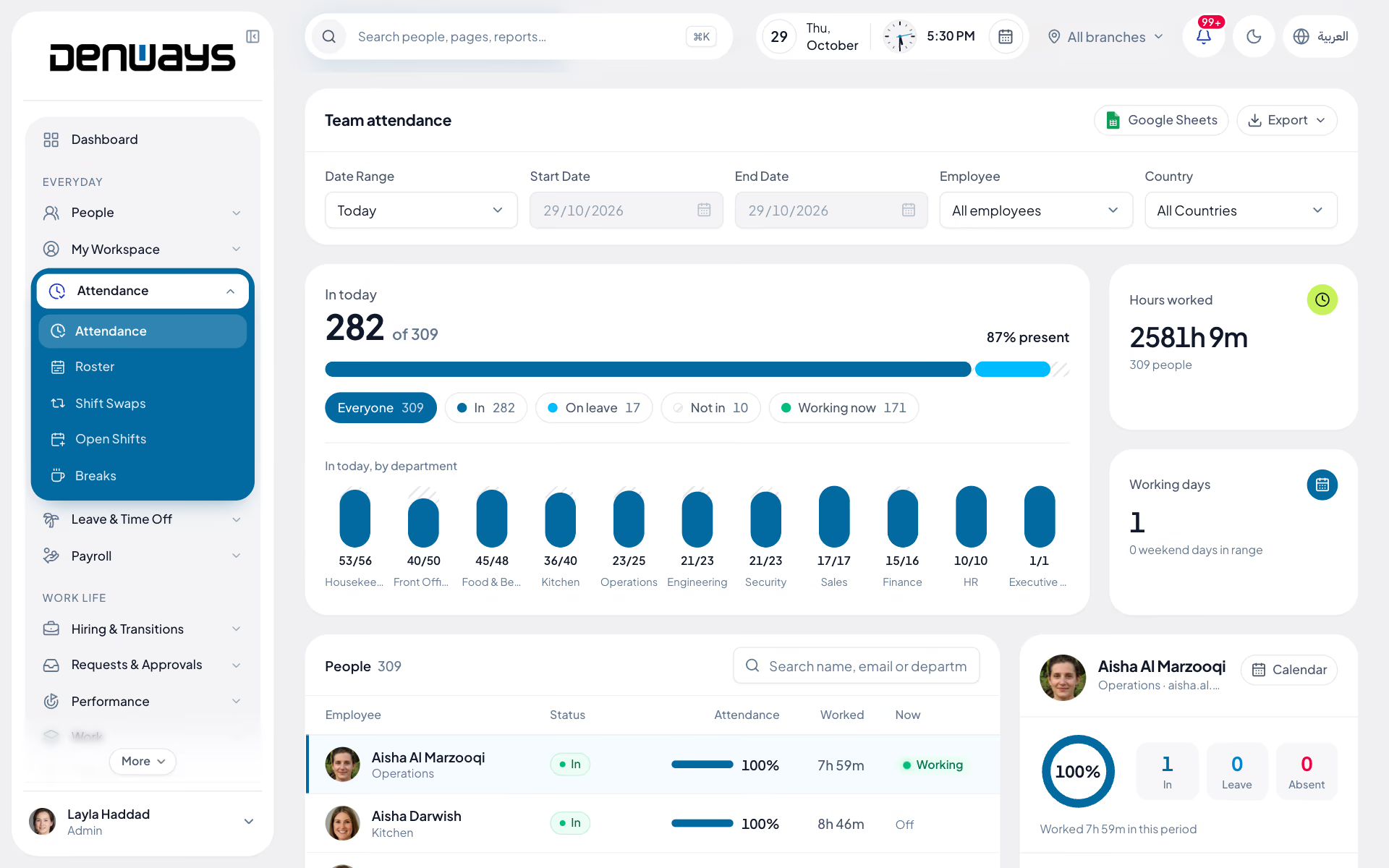
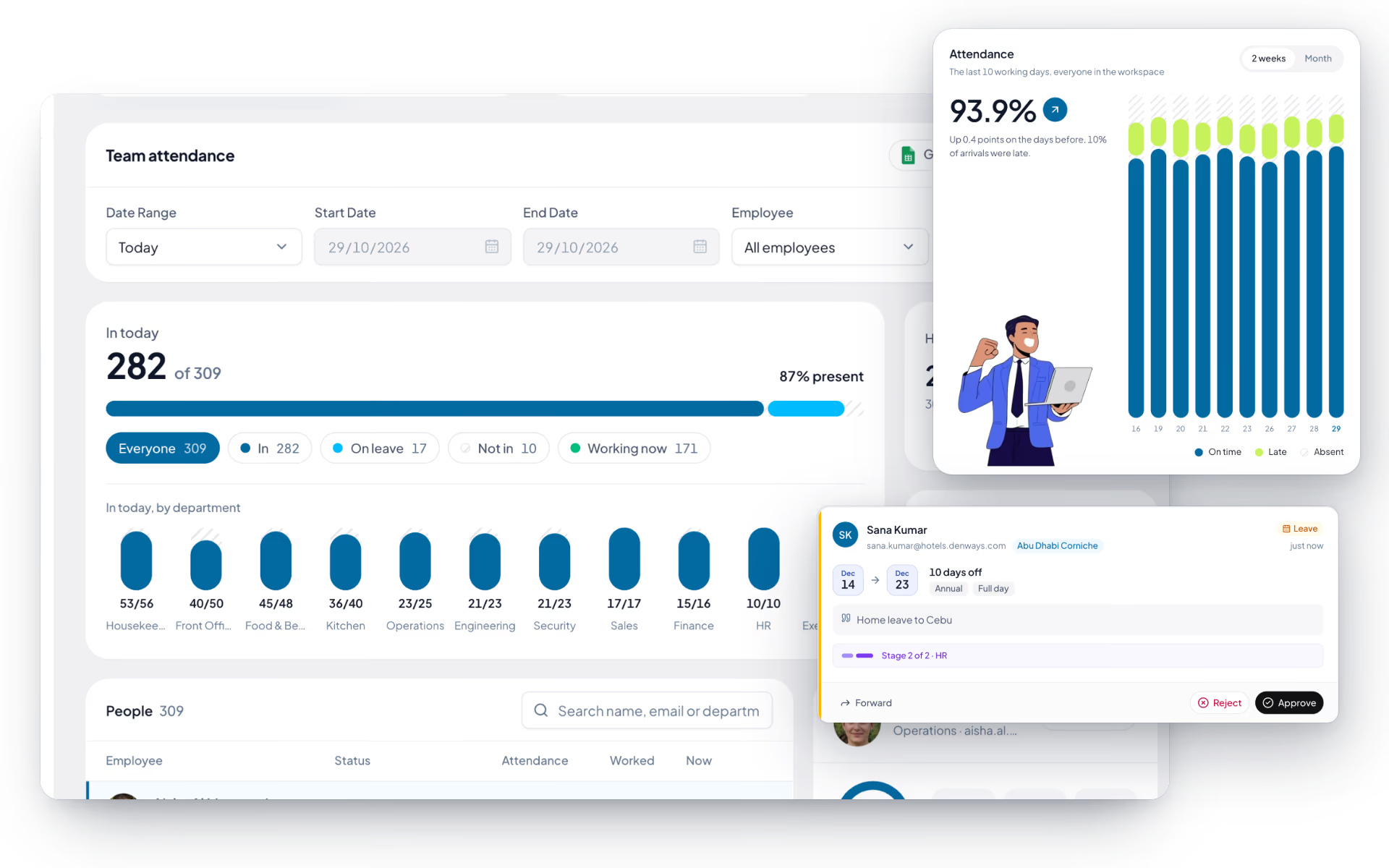
The office team gets the whole platform
The web app is the full experience. Every module, every report and every administrative action lives here, under your own branded subdomain.
- Every module, from employee records to payroll
- Live today view and the full attendance calendar
- Approvals, reporting and organization settings
- Runs at your own subdomain with your own logo
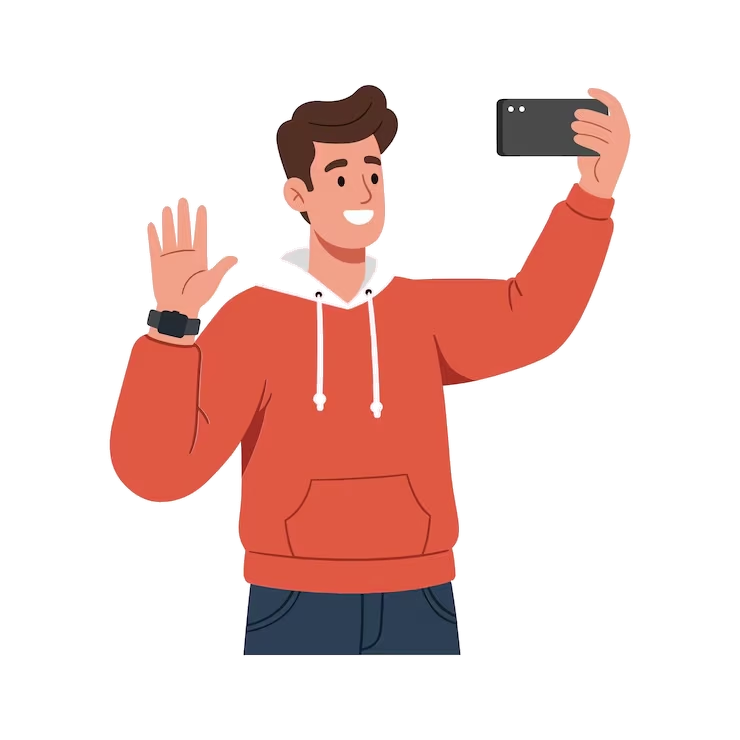
The field team gets a phone
Site crews and drivers do not open laptops. The iOS and Android app, in development, is built around what they need in a working day; until it ships, the web app does the same on a phone.
- Check in and out with a geo-tagged selfie
- Leave, comp-off and regularization requests
- An approvals inbox for managers on the move
- Payslip access, with push notifications when the native app ships
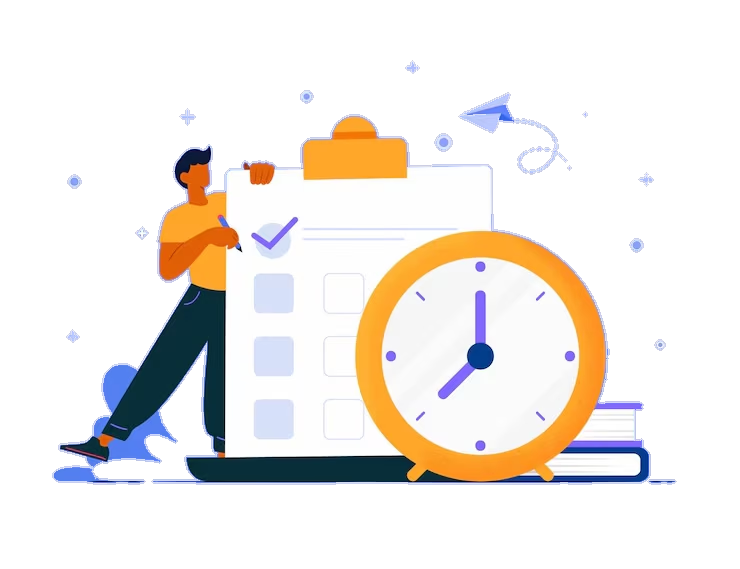
Tracked time keeps working offline
The desktop tracker is for teams that need a record of tracked time, and it records only while a timer runs. When the connection drops, tracking queues locally rather than losing the session.
- Timer-based tracking against projects and tasks
- Idle detection during tracked sessions
- Screenshots at an interval set for each person
- Offline queueing that syncs when the connection returns
One account, whichever door they come through
A punch from a phone, a biometric terminal or the web all land on the same record, under the same roles, feeding the same payroll run.
- The same employee record behind every app
- The same roles and permissions on every device
- The same audit trail, whatever the source
- No second system for anybody to learn

Three apps today, a native one in development. One account behind them.
Pick a device to see what it does. Nobody has to learn a second system to check in or approve a request.
Mobile app
iOS & Android, in developmentEmployee self-service for people who do not sit at a desk.
- Check in and out with selfie and GPS
- Leave, comp-off and regularization requests
- Approvals inbox for managers on the move
- Payslip access and push notifications
Being built for site crews, drivers and field teams who never open a laptop. Until it ships, the web app does check-in, requests and payslips in a phone browser.
The full list
What does each app do?
20 features across 3 parts of the product, each one built into the application. Where one depends on a plan, a setting or a release, the note under its module says so.
Desktop app
Denways Tracker for Windows: the timer, screenshots and activity tracking a browser tab cannot do.
- Starts with you
- Launches with Windows and starts the timer when you sign in, though never before your office start time.
- System-wide idle and lock
- It knows when the computer is idle, locked or asleep, which a web page cannot.
- Works offline
- Timer, attendance, activity and screenshots are saved locally and sent when the connection returns, attendance first. Up to seven days can be replayed.
- Tray icon
- Lives in the system tray and finishes pending work before it closes.
- Updates you approve
- It checks for updates and shows the patch notes. Nothing installs without your click.
- A short menu
- Timer, attendance, time corrections and chat, with the full site one click away.
Browser extension
Adds the website, not just the browser, to tracked time. For Chrome, Edge and other Chromium browsers.
- What it reads
- The address and title of the active tab on web pages. Browser-internal pages are ignored.
- Talks to the desktop app only
- Its only network permission is the local machine. It never sends anything to a server itself.
- Pair with a code
- The desktop app generates a one-time code valid for ten minutes. Paste it into the extension and the two are linked.
- Only on the clock
- Tab events become activity only while that person's timer is running.
- Three permissions
- Tabs, storage and alarms. Nothing else.
Mobile app
In development for iOS and Android: check in, ask for leave and read a payslip from a phone. Until it ships, the web app does these in a phone browser.
In development: not yet in the App Store or Google Play.
- Home
- Timer status, today's check-in and check-out, hours and days this month, announcements and birthdays.
- Attendance
- The geofence zone with your distance from it, the daily selfie with location, start and stop, and the month's holidays.
- Leave
- Balance cards, recent requests and an apply form.
- Team
- Colleagues with designation, department and whether they are online.
- Requests
- Time corrections and overtime requests, and a view of comp-off earned, used and remaining.
- Approvals for managers
- Leave, time corrections and expenses, approved or rejected with a reason.
- Payslips
- Net pay, gross and deductions, with the PDF one tap away.
- Announcements and polls
- Read them, vote, and for managers, publish them.
- Push notifications
- Tapping one opens the screen it is about.
Questions
App questions, answered.
Which apps does an ordinary employee need?
Just the web app, on a phone or a computer. It covers check-in and check-out with selfie and GPS, leave and comp-off requests, regularization and payslips. The iOS and Android app is in development, and most people never touch the desktop tracker or the browser extension.
Does the web app carry our branding?
Yes, on plans that include white-label branding. Your logo, your company name and your own subdomain apply across the employee experience, so staff sign in to your HR system rather than a vendor product.
What happens if the phone loses signal on site?
A check-in from a phone browser needs signal at the moment of the punch. The desktop tracker queues offline and syncs when the connection returns. For attendance, punches from biometric terminals also flow in independently, so a weak signal at one site does not create a gap in the record.
Is the desktop tracker mandatory?
No. Everyday HR, attendance and leave run without it. Organizations use it for field, remote or billable teams; it records only while a timer runs, and it takes screenshots at the interval set for each person. If you roll it out, give affected staff the notice and consent your local law requires.
What does the browser extension do?
The browser extension captures web-usage activity during tracked time and bridges that into the desktop tracker, rather than working as a standalone product. It is installed alongside the monitoring module.
Do the apps share the same data?
Yes. There is one employee record and one set of roles behind every app, so a punch from a phone and a punch from a terminal land on the same attendance record and reach the same payroll run.
Keep reading
Bring your whole workforce onto one platform.
See how DenwaysHR handles HR, attendance and leave across the GCC, and payroll with the WPS file in the UAE.

