

Project and task management with timesheets: Know where the
hours went.
Projects with linked tasks and time entries, task boards with dependencies and recurrence, and reporting that ties hours back to the work that consumed them.
Projects, tasks and tracked time
- Projects & Stats
- Task Boards
- Checklists
- Dependencies
- Recurring Tasks
- Labels
- Watchers & Reminders
- Time Entries
Projects
Projects, in 4 parts.
4 parts. Swipe across.Keep scrolling.
Projects that carry their own numbers
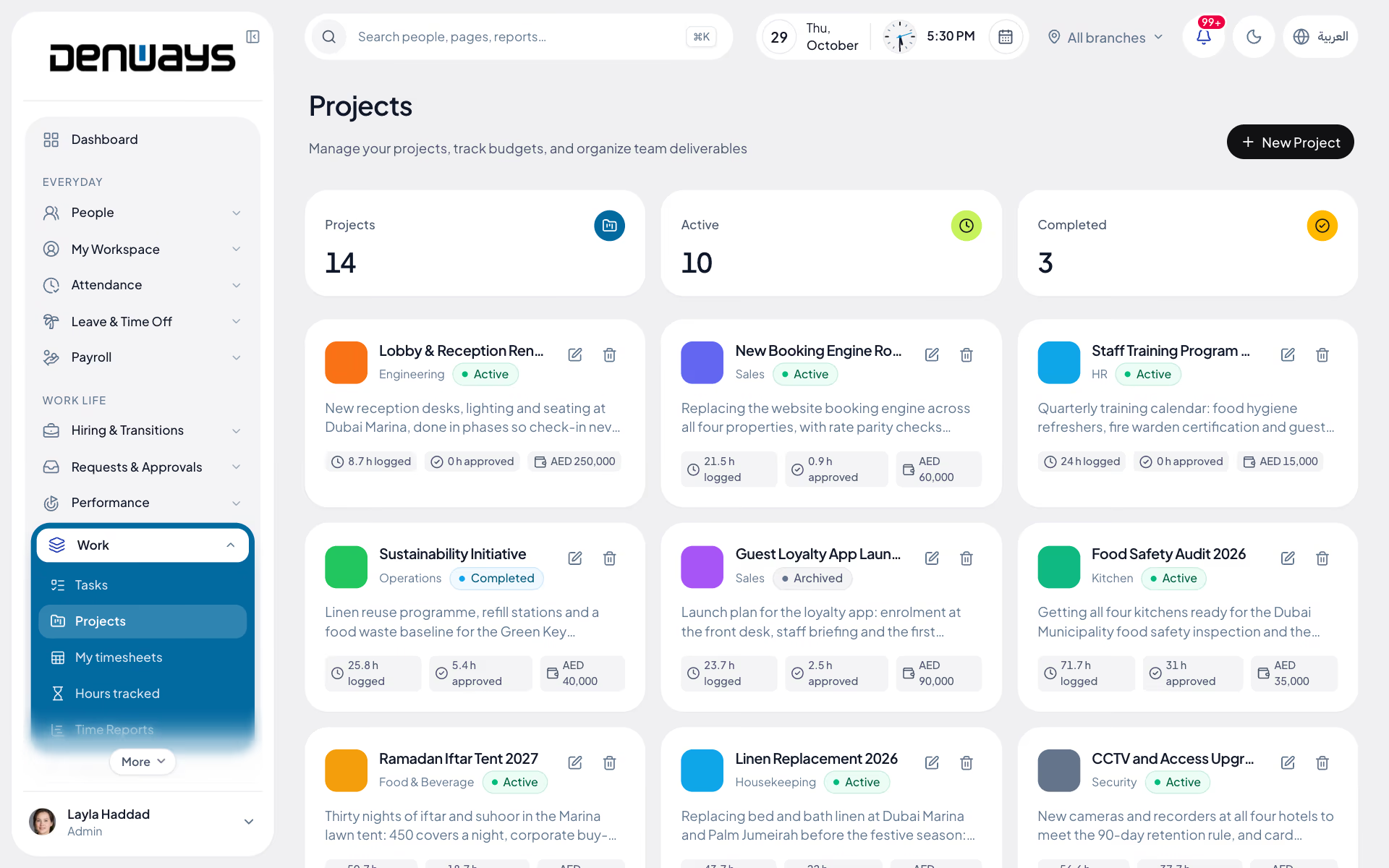
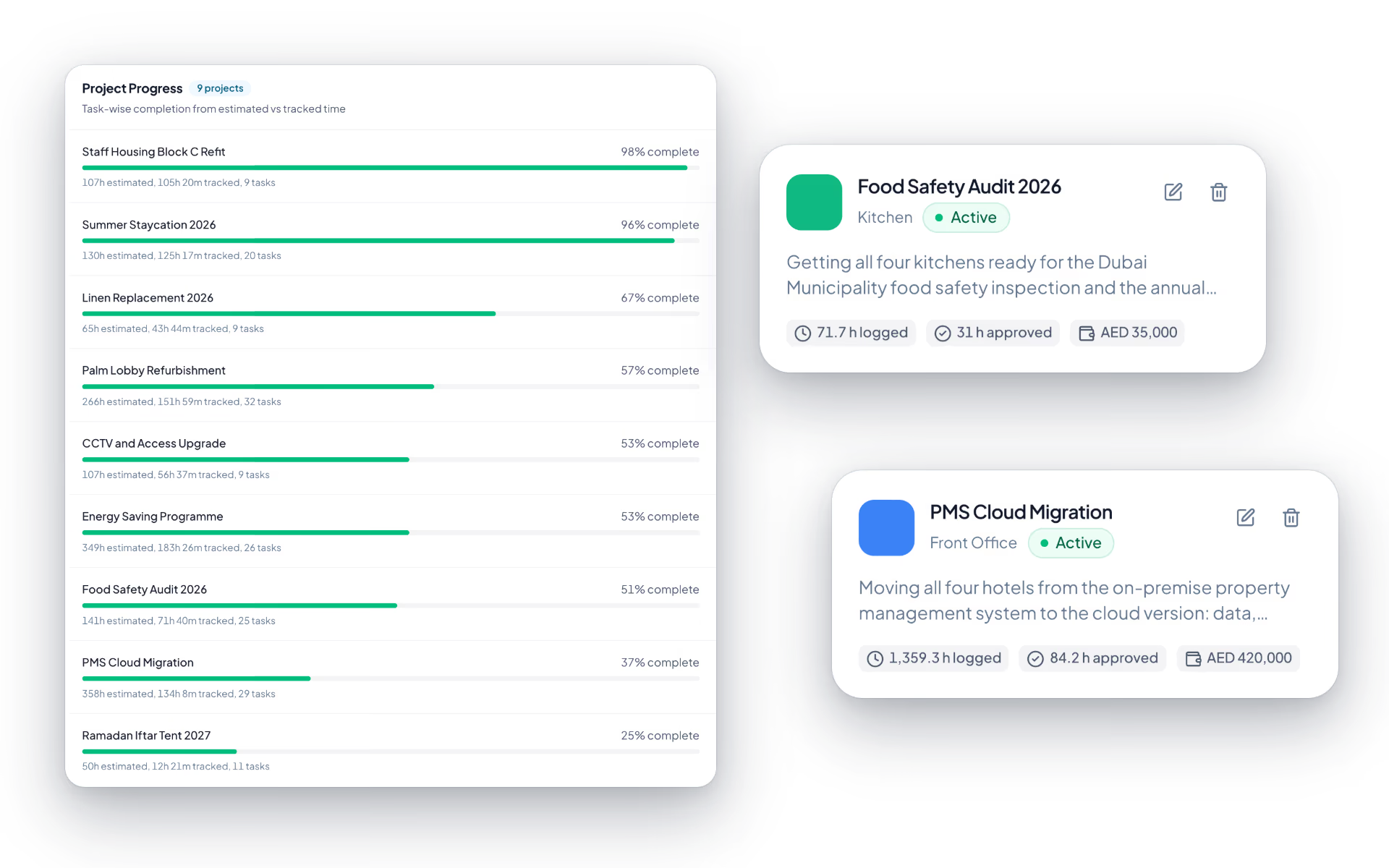
A project is not a folder name. It holds the tasks under it, the time logged against it and the statistics that come out of both.
- Projects with linked tasks and time entries
- Project statistics from the work itself
- Visibility across everything in flight
- The same people and roles as the rest of HR

Tasks with the detail real work needs
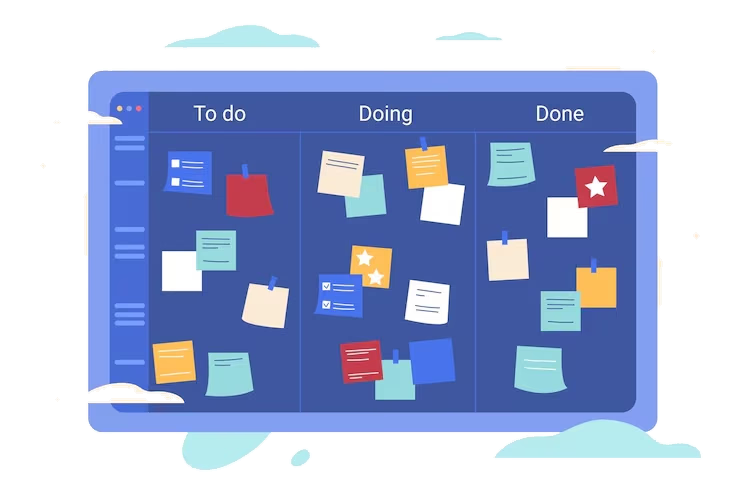
Statuses and a title are not enough once more than two people are involved. Checklists, comments, attachments and dependencies are what stop work stalling silently.
- Statuses, checklists and labels
- Comments and file attachments on the task
- Dependencies between tasks
- Recurring tasks for work that repeats
Nothing waits on somebody remembering
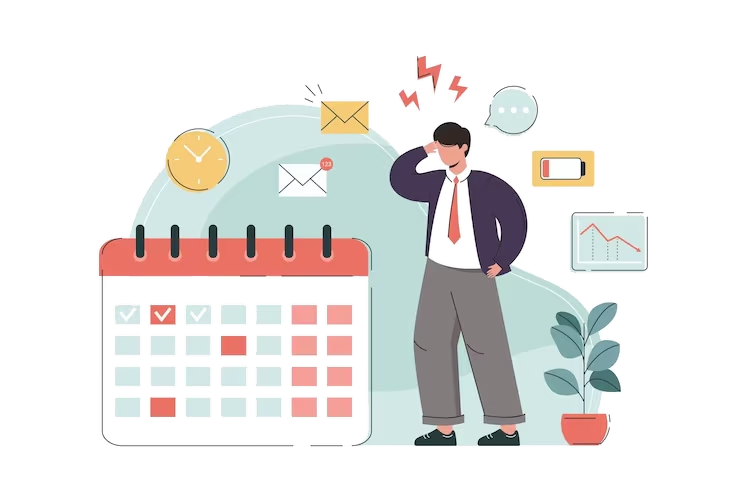
Watchers and reminders mean the people who need to know are told, rather than finding out at the next status meeting.
- Watchers on the tasks that matter to them
- Reminders before something falls due
- In-app and browser notifications
- A comment thread kept with the work
Time tracked against the work, not a spreadsheet
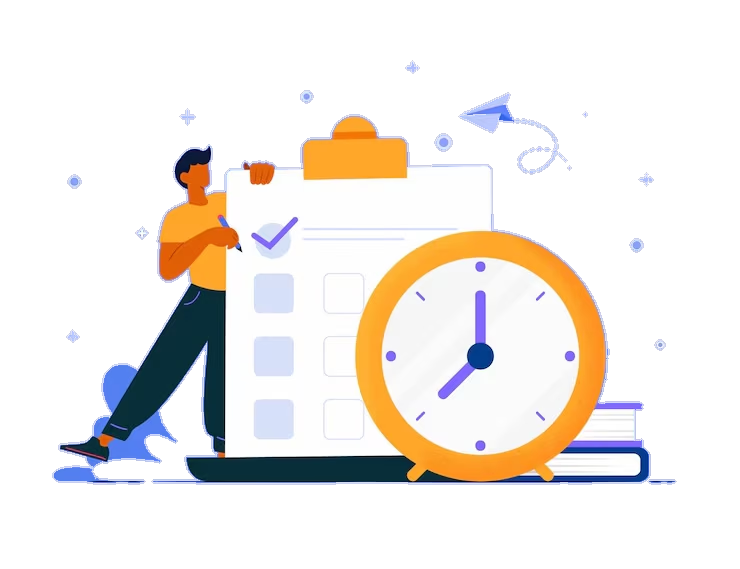
Start and stop time against a project or a task, then report on it. For teams running the optional monitoring module, the desktop tracker feeds the same entries.
- Start and stop tracking against projects and tasks
- Time entry reporting by project and person
- Desktop tracker feeding the same entries
- Offline queueing so a dropped connection loses nothing
Projects, screen by screen.
The product itself, on a demo company's data. Nothing here is drawn for the website.
Work, tracked. Hours, explained.
Most teams can say what they did last month. Far fewer can say what it cost them.
The project
- Tasks, dependencies and recurrence
- Checklists, labels and attachments
- Statistics from the work itself
The person
- Their own tasks and watchers
- Start and stop time tracking
- Reminders before something is due
The business
- Hours by project and by person
- Where effort concentrated
- Exportable alongside other reports
The full list
What does the Projects module include?
35 features across 5 parts of the product, each one built into the application. Where one depends on a plan, a setting or a release, the note under its module says so.
Time tracking
A timer that doubles as the attendance punch, knows what you are working on, and stops when you do.
- Start and pause
- A large session clock with a countdown of the shift remaining and a separate overtime timer once you pass it.
- Project and task
- Pick them before you start or attach a task while the clock runs. Switching project closes one entry and opens the next.
- Checks you in
- Starting the timer punches you in for attendance. Stopping it closes the punch.
- Respects leave and location
- It will not start on an approved full day of leave, or outside your geofence where one applies.
- Idle time is not work
- After three minutes without input, time is recorded as idle. After five minutes of continuous idle, the timer stops and tells you why.
- Locked screen
- In the desktop app, locking or suspending the computer stops the timer after five minutes.
- Server-side safety net
- Forgotten timers are closed after two hours of no activity, and a timer never runs across midnight.
- Today's entries
- Project, task, start, duration and whether each is running or complete, with today's and this week's totals.
- Moves the task along
- Starting a timer on a task puts it in progress.
Projects
The things time and tasks are booked against, each belonging to a department.
- Project card
- Name, department, description, a colour and an optional budget in your currency.
- Counts
- Total, active and completed projects above the grid.
- Visibility by department
- Admins see every project, managers see their departments', and an employee assigned to specific projects sees those.
- Feeds the rest
- Projects fill the timer's dropdown, the task form and the progress block on the tasks page.
Tasks
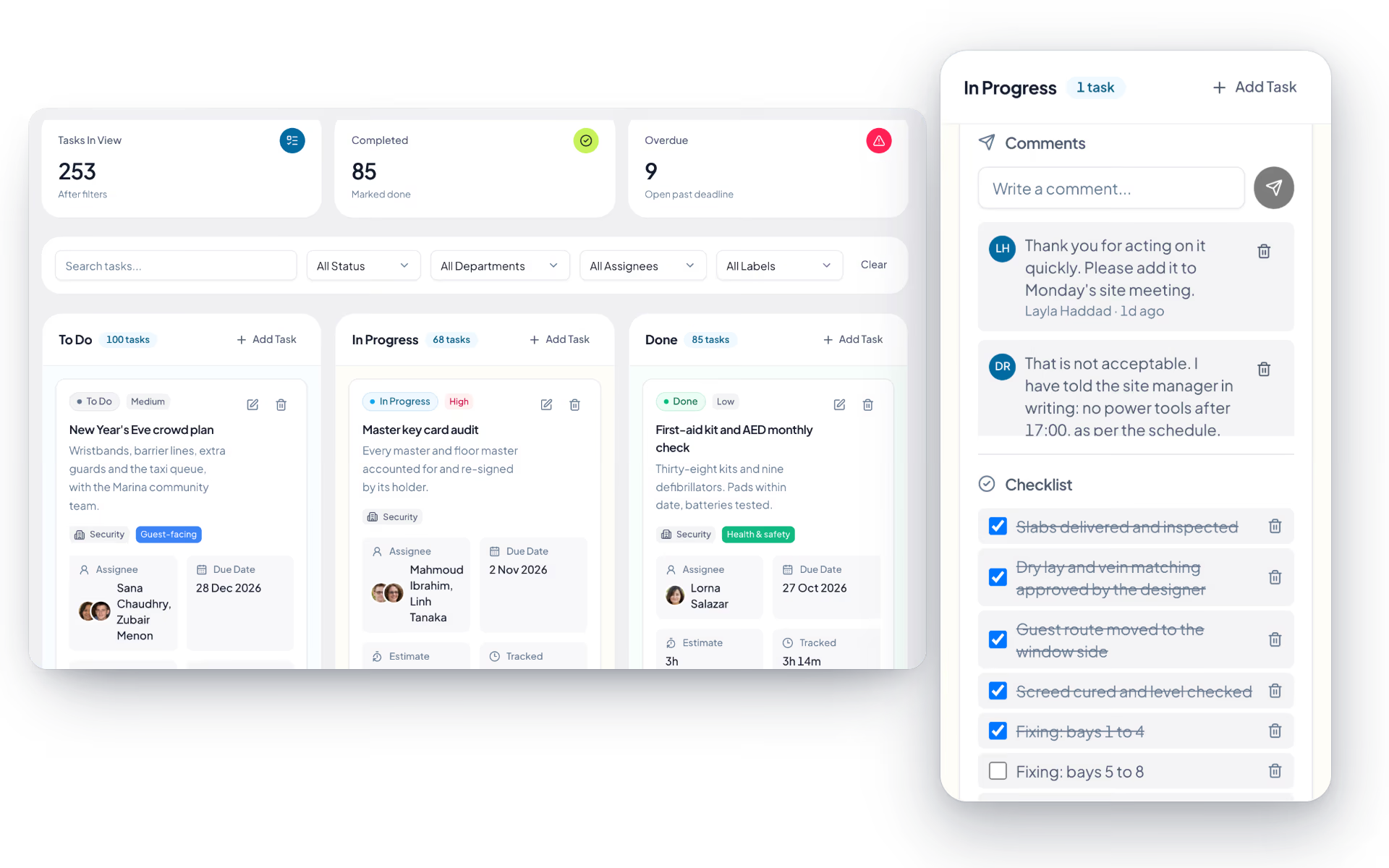
A three-column board where each card knows how long it was meant to take and how long it has.
- Board
- To do, in progress, done. Managers drag cards between columns. The board refreshes itself every 30 seconds.
- Task details
- Title, department, project, several assignees, priority (low, medium, high, urgent), due date, an estimate in minutes, hours or days, labels and a description.
- Tracked against estimate
- Each card shows time logged by the timer, including a running one, and a completion percentage against the estimate.
- Checklist
- Break a task into items and tick them off.
- Comments and files
- Comments up to 5,000 characters. Attachments up to 10 MB each, scanned and stored privately.
- Watchers
- Anyone can watch a task and hear about updates and status changes.
- Labels
- Company-wide labels with a name and a colour.
- Blocked by
- Record which task another is waiting on.
- Recurring tasks
- Daily, weekly on chosen days, monthly on a day, or yearly, with an end date. A new task is created each time from the template.
- Reminders
- Set a reminder date, or remind the assignees now.
- Overdue alerts
- Assignees are told once when a task passes its due date, checked every morning.
- Activity log
- Who did what to the task, and when.
- Filters
- Search, status, department, assignee and label, with counts of tasks in view, completed and overdue.
- Project progress
- Per project, estimated against tracked time and the number of tasks.
Weekly timesheets
The week's timer entries, submitted for review and locked once someone has agreed them.
- Weeks to submit
- Every finished week with its entry count, total hours and billable hours.
- Submit with a note
- Submitting locks the week's entries so they cannot change under the reviewer.
- Review
- The manager opens the entries by date, project, task and hours, then approves or sends the week back with a reason.
- Send back unlocks
- A returned or withdrawn week can be corrected and submitted again.
- Thresholds in hours
- On the approval engine, so a heavy week can need a second approver.
Task time reports
Estimate against actual, by status, by person and by task.
- Totals
- Total tasks, completed, overdue and total time tracked.
- By status and by user
- Tasks, estimate, tracked and a completion bar for each.
- Every task
- Task, assignee, status, estimate and tracked time in one table, filtered by person.
How does time tracking work?
Time is started and stopped against a project or a specific task, which produces time entries you can report on by project and by person. Teams that run the optional desktop tracker feed the same entries, with offline queueing so a dropped connection does not lose a session.
What can a task hold?
Statuses, checklists, comments, file attachments, labels, dependencies on other tasks, recurrence for work that repeats, watchers who want to follow it, and reminders before it falls due.
Do dependencies stop work starting early?
Dependencies record which task waits on which, so the sequence is explicit and visible rather than living in somebody's head. That is what makes a stalled task obvious before it becomes a delay.
Is this connected to attendance?
Attendance and time entries are separate measurements on the same employee record. Attendance answers whether somebody was at work; time entries answer what the hours went into. Both belong to the same person and the same roles.
Can we see where effort concentrated last month?
Yes. Time entry reporting rolls up by project and by person, and sits alongside the other reports the platform produces, so a project review does not require exporting to a spreadsheet first.
Which plan includes projects and tasks?
Projects and task management are on every plan, from Basic Tracking up, with nothing separate to install.
Keep reading
Bring your whole workforce onto one platform.
See how DenwaysHR handles HR, attendance and leave across the GCC, and payroll with the WPS file in the UAE.

