

HRMS security and data protection: HR data kept isolated,
encrypted and audited.
Tenant isolation enforced by the database itself, encryption on bank and government-ID fields, and a full audit trail behind every sensitive action.
Every layer hardened, on every plan
- Row-Level Security
- HTTP-Only Sessions
- CSRF Protection
- Rate Limiting
- Encryption at Rest
- Signed Media URLs
- Upload Scanning
- Audit Logging
- Cloudflare WAF
- Intrusion Detection
- Role-Based Access
- Encrypted Backups
Tenant isolation the database enforces itself
One organization can never reach another's records, and that guarantee does not depend on the application getting every query right.
- Multi-tenant by design, scoped and isolated at the database level
- PostgreSQL Row-Level Security on every tenant-owned table
- Organization IDs sent from a browser are never trusted
- Group-based access so managers only see their own reporting line

Access checked twice, on every request
Authentication and authorization are enforced independently at the API route and again in the business logic, so a single missed check is never the whole story.
- HTTP-only, secure session cookies that page JavaScript cannot read
- Role-based access control with custom roles and permission groups
- CSRF protection on every cookie-authenticated request
- Rate limiting on login, password reset and invitation endpoints
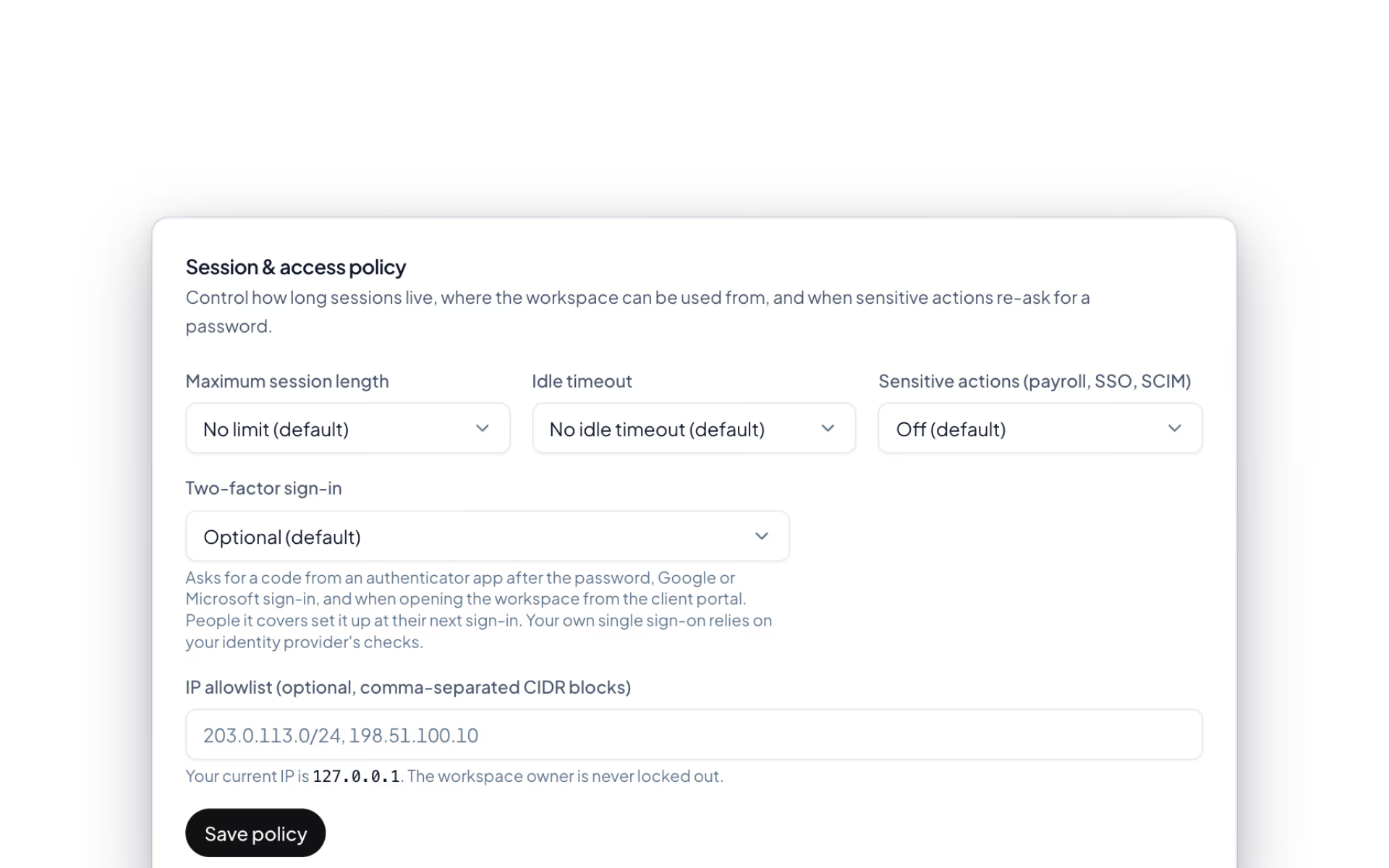
Sensitive fields encrypted, not just gated
Bank accounts, Emirates IDs and payroll records are the data an HR platform exists to hold. They are protected in the database, not only behind a permission check.
- Encryption at rest for bank details, government IDs and financial fields
- Signed, time-limited URLs for selfies, screenshots and documents
- Antivirus scanning on every uploaded receipt, document and attachment
- Full audit logging with actor, target and timestamp
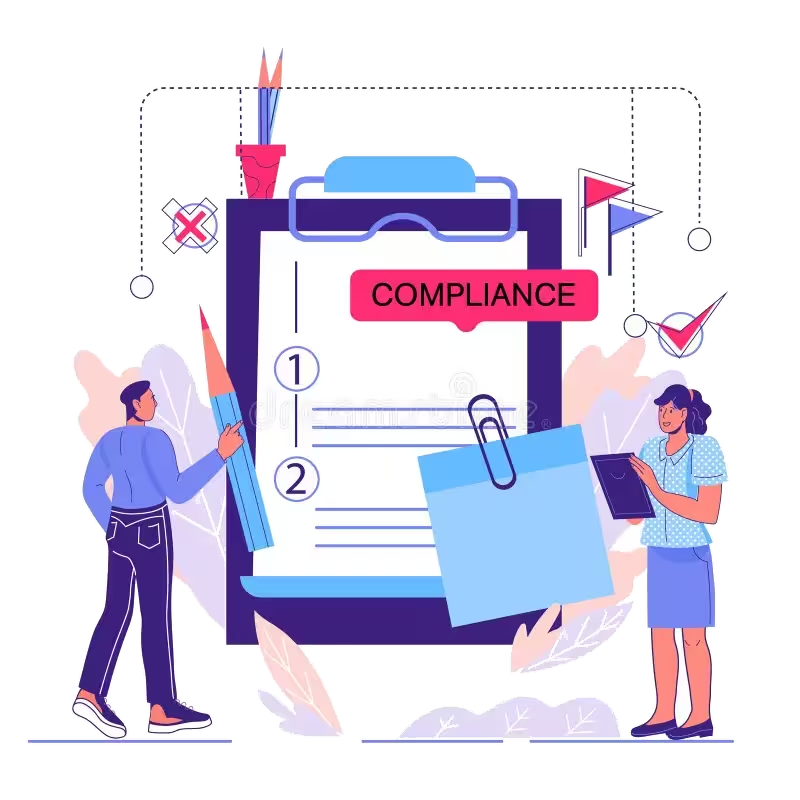
Infrastructure hardened, watched and backed up
The origin server accepts no direct public traffic at all. Everything reaching DenwaysHR has already passed an edge network built to absorb attacks.
- Cloudflare-fronted production with managed WAF, DDoS and bot mitigation
- CrowdSec intrusion detection feeding IP reputation back to the edge
- TLS everywhere, modern cipher suites and HSTS
- Encrypted automated backups with periodic restore testing
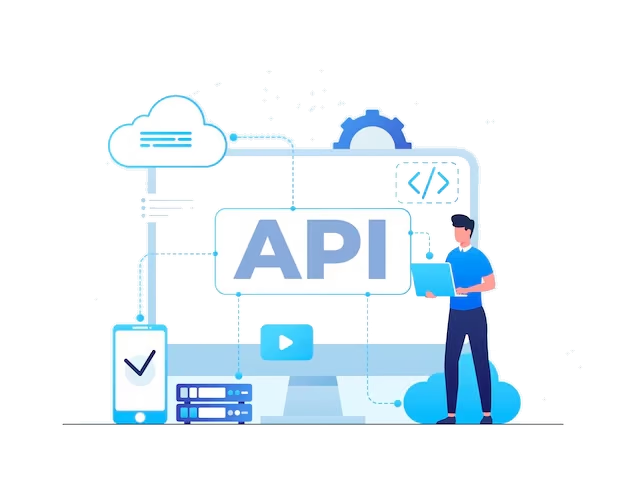
Four attempts. Four refusals.
The clearest way to describe a control is to watch it stop something. Each of these fails for a different reason, at a different layer of the platform.
Signed in as an admin of one company, asking for another company's employees
running…
What your team types. What the database keeps.
The fields that would do real damage in the wrong hands are encrypted in the database itself, not merely placed behind a permission check. Switch the view to see one employee record as it is stored.
employees / 6b21
in the browser
- Full name
- Aisha Rahman
- Readable to her HR team, and to nobody outside the organization.
- Job title
- Payroll Specialist
- Directory data. Access control alone is the right level of protection.
- Emirates ID
- 784-1991-2847361-3
- Government identifier. Encrypted at rest.
- IBAN
- AE07 0331 2345 6789 0123
- Payment destination for every payroll run. Encrypted at rest.
- Basic salary
- AED 18,500.00
- Compensation data. Encrypted at rest.
- Passport number
- K8412907
- Government identifier. Encrypted at rest.
- Check-in selfie
- checkin-2026-04-12.jpg
- Served only through a signed link that expires. Never a guessable path.
Encryption sits on top of access control, never instead of it. Uploaded documents and receipts are scanned by an antivirus engine before they are trusted.
One request. Three lines of defence.
Every call to DenwaysHR passes the edge, the application and the database. Each layer enforces its own controls without relying on the one above it.
The edge
- Managed WAF & bot mitigation
- DDoS protection on every request
- TLS everywhere, with HSTS
The application
- HTTP-only, secure session cookies
- CSRF checks on every write
- Role checks at route & logic layer
The database
- Row-Level Security per tenant
- Encrypted PII & bank fields
- Encrypted, automated backups
Above all three, sensitive actions are written to an audit log with actor, target and timestamp: role changes, salary changes, payroll disbursement and administrative impersonation.
The full list
What does platform security cover?
39 features across 7 parts of the product, each one built into the application. Where one depends on a plan, a setting or a release, the note under its module says so.
Sign-in and sessions
Every workspace has its own front door, and a session issued for one is worthless at another.
- Own sign-in page
- Workspace sign-in works only at that workspace's address. Anywhere else, the request is refused without revealing whether the account exists.
- Password rule
- At least 12 characters with upper and lower case, a number and a symbol, checked against lists of breached passwords.
- Attempt limits
- Five tries a minute per email and address, with wider limits per network and per account behind that.
- Reset and verify
- A reset link valid for an hour and an email verification link valid for a day. Neither response reveals whether an address has an account.
- Leavers are cut off
- Someone who has left is refused at sign-in and on every request after it.
- Remember me
- Twelve hours by default, seven days when ticked, unless your own policy is stricter.
Single sign-on
Sign in through Microsoft Entra ID, Okta or Google Workspace over OpenID Connect.
- Any OIDC provider
- Enter the issuer, client ID and secret. The issuer is checked when you save, and the secret is stored encrypted and never shown again.
- Allowed domains
- Restrict sign-in to up to twenty email domains.
- Create accounts on first sign-in
- Off, as employees, or as managers. It never creates an admin, and it stops when you run out of seats.
- Require SSO
- Turn off passwords for everyone. It can only be switched on after one successful SSO sign-in, so you cannot lock yourself out.
- Owner keeps a key
- The workspace owner always keeps password sign-in as the fallback.
Session and access policy
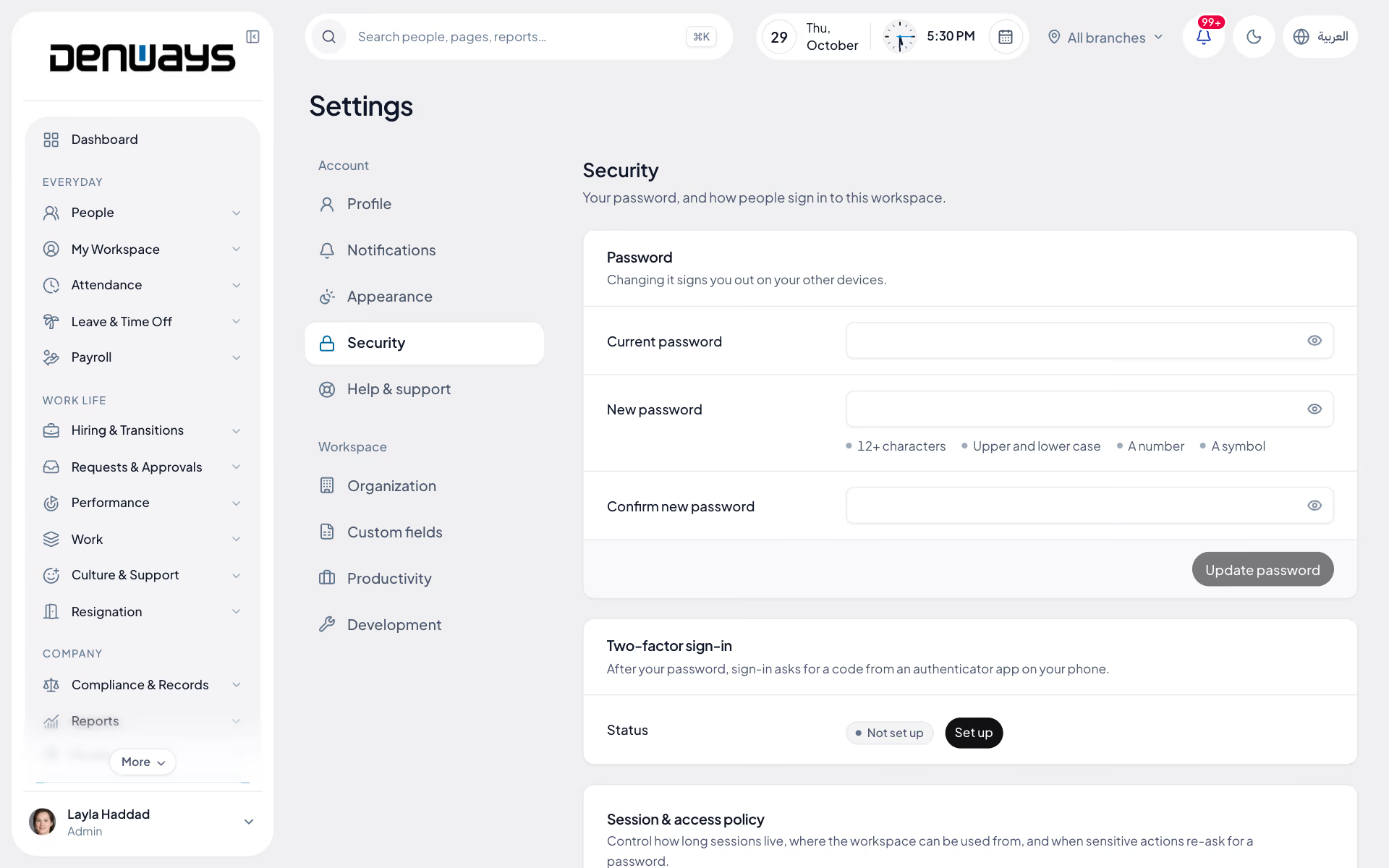
Four controls an admin sets for the whole organization, each enforced on every request.
- Maximum session length
- 8 hours, 12 hours, 24 hours or 7 days.
- Idle timeout
- 15 minutes, 30 minutes, 1 hour or 4 hours.
- IP allowlist
- Up to fifty addresses or ranges, IPv4 and IPv6. The page shows your current address and refuses a list that would lock you out.
- Password again for sensitive actions
- After 15 minutes, 30 minutes or an hour. Covers approving and disbursing payroll, changing approval rules, SSO, provisioning tokens and the policy itself.
- Logged
- Every change to the policy is written to the audit log.
Roles and permissions
Three roles to start with, and as many of your own as the organization needs.
- Built-in roles
- Admin, manager and employee, ranked so that nobody can grant a role above their own.
- Custom roles
- A name, a description, a rank and a permission checklist. A custom role can sit anywhere between the built-in ones.
- Permission catalogue
- View and manage rights across employees, departments, attendance, the selfie map, reports, monitoring, screenshots, settings, geofences, roles, leave, overtime, projects, tasks, chat, notifications, the audit log and assets.
- See everyone, or only your line
- Organization-wide visibility is its own permission. Without it, a manager sees their departments and teams.
- Payroll is granted per person
- Payroll access is a switch on the individual, never a box ticked on a role.
- Role assignment
- A searchable list of everyone with a role dropdown, and counts of admins, managers, employees and custom roles.
- Owner protection
- Only the workspace owner can change the owner's role.
Audit log
Who did what, to whom, from where.
- What is recorded
- User and role changes, sign-ins, SSO and provisioning changes, security policy, API tokens, data exports and erasures, settings, attendance, leave, contracts, probation, letters, discipline, approval rules, visas and more.
- Each entry
- The action, who did it, what it was done to, the details, the network address and the browser.
- Filters
- By action, date range, person and target type.
- Payroll has its own trail
- Every lock, unlock, approval, bank file and disbursement is on the run itself.
- Support visits are logged
- When our staff enter a workspace with your consent, that is on the record too.
Privacy requests
The two things a data-protection law lets an employee ask for: a copy, and to be forgotten.
- Export
- One file with the person's account, profile, work information, IDs, bank accounts, documents, leave, resignations, attendance, letters and policy acknowledgements.
- Erase
- Type the employee's email to confirm. Profile, IDs and bank accounts are deleted, the account is renamed and anonymised, and every session ends.
- History stays intact
- Erasure anonymises instead of deleting rows, so past payroll and the audit trail still add up.
- A log of both
- Every export and erasure with who asked for it.
Data protection
The controls underneath, which you never see unless something tries to get past them.
- Tenant isolation, twice
- Every request is scoped to the signed-in organization in the application, and PostgreSQL row-level security enforces the same boundary in the database.
- Field-level encryption
- Emirates ID, labour card and MOHRE codes, government ID numbers, bank account numbers and IBANs, insurance policy numbers, nominee IDs and integration secrets are stored encrypted.
- Signed links for private media
- Selfies and screenshots have no public address. Links expire after 30 minutes.
- Upload checks
- A file's type is read from its bytes, not from what the browser claims, and files are served back from a short allowlist.
- Rate limits
- More than forty named limits, from sign-in and password reset to careers applications and exports.
- Security headers
- A restrictive content security policy, frame denial, no-sniff and HSTS for a year including subdomains.
- Deleting an organization
- Owner only, behind the password, by typing the organization's name. Never possible with an API token.
Questions
Security questions, answered.
How is one customer's data kept separate from another's?
DenwaysHR is multi-tenant by design, and each organization's data is isolated at the database level. The app never trusts an organization ID sent by a browser to decide whose data comes back. Underneath the app's own access checks, PostgreSQL Row-Level Security enforces the same boundary as a second, separate layer.
What data is encrypted, and where?
The most sensitive data is encrypted at rest in the database: bank details, government ID numbers such as Emirates IDs, and other personal and financial fields. This adds to access control and does not replace it, so a field stays protected outside the normal query path. All data in transit is encrypted with modern cipher suites and HSTS.
How are logins and sessions protected?
Session tokens sit in HTTP-only, secure cookies, so page JavaScript can never read them. Every cookie-authenticated request carries CSRF protection. Login, password reset and invitation endpoints are rate limited to slow credential stuffing and brute-force attempts. Each organization can set its own password policy.
Who inside an organization can see what?
Access depends on role: Super Admin, Admin, Manager or Employee. Larger organizations can add custom roles and permission groups. The rules are enforced separately at the API route and in the business logic. With group-based access, a manager sees only their own reporting line and a branch manager only their branch.
How are uploaded files and attendance selfies handled?
Sensitive files are never served from a guessable or permanently public link. Attendance selfies, monitoring screenshots and uploaded documents are delivered through signed links that expire. An antivirus engine scans every uploaded receipt, document and attachment before it is trusted.
What protects the platform from attacks and downtime?
Production sits behind Cloudflare, and the origin accepts no direct public inbound traffic. So every customer gets DDoS protection, managed firewall rules and bot filtering. CrowdSec intrusion detection runs on the host and in the application, and sends real-time IP blocks back to the edge. Servers use least-privilege service accounts, restricted firewall rules and automatic security patches. Administrative and SSH access sits behind a separate identity gate.
How do you know a release has not broken any of this?
Automated tests covering sign-in, tenant isolation, payroll, and role and permission logic run before every release. Production has error and uptime monitoring. Backups are automated and encrypted, and restores are tested periodically.
Keep reading
The documents behind it
Bring your whole workforce onto one platform.
See how DenwaysHR handles HR, attendance and leave across the GCC, and payroll with the WPS file in the UAE.

