

White-label HRMS software: The HR platform
that wears your name.
A dedicated subdomain, your logo, your favicon and your company name throughout. Your team signs in to their HR system, not to somebody else's product.
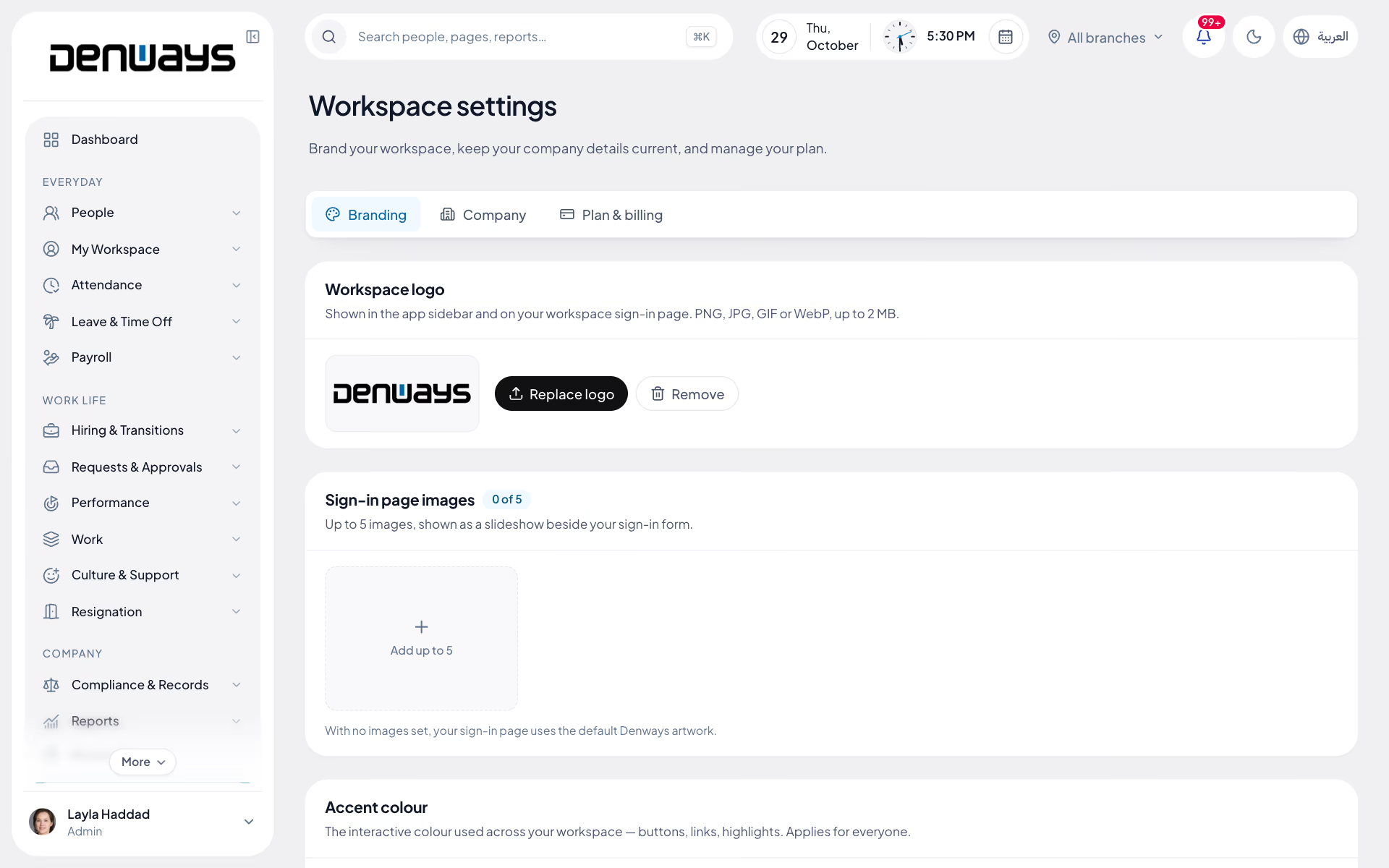
Everything your team sees, under your name
- Custom Subdomain
- Your Logo
- Custom Favicon
- Browser Tab Title
- Branded Sign-In
- Employee Portal
- Careers Page
- Mobile App (in development)
- Organization Branding
- Per-Company Isolation
- Admin Managed
- Hosted & Maintained
Put your name in. Watch it become yours.
Type your company name and pick a colour. This is what your team would sign in to, down to the address bar and the favicon.
- Sign-in address
- acme.denways.com
- Tab title
- Acme People
- Favicon
- A on your colour
Good morning, Aisha
Acme · Dubai office
Checked in
08:52
Leave left
14 days
Next payday
28 Mar
The DenwaysHR name appears nowhere your employees can see it.
An address of your own
Your team does not sign in to a vendor's website. They go to your subdomain, see your favicon in the tab, and find your company name waiting for them.
- A dedicated subdomain, like acme.denways.com
- Your favicon in the browser tab and bookmarks
- Your company name as the browser tab title
- A sign-in screen carrying your branding, not ours
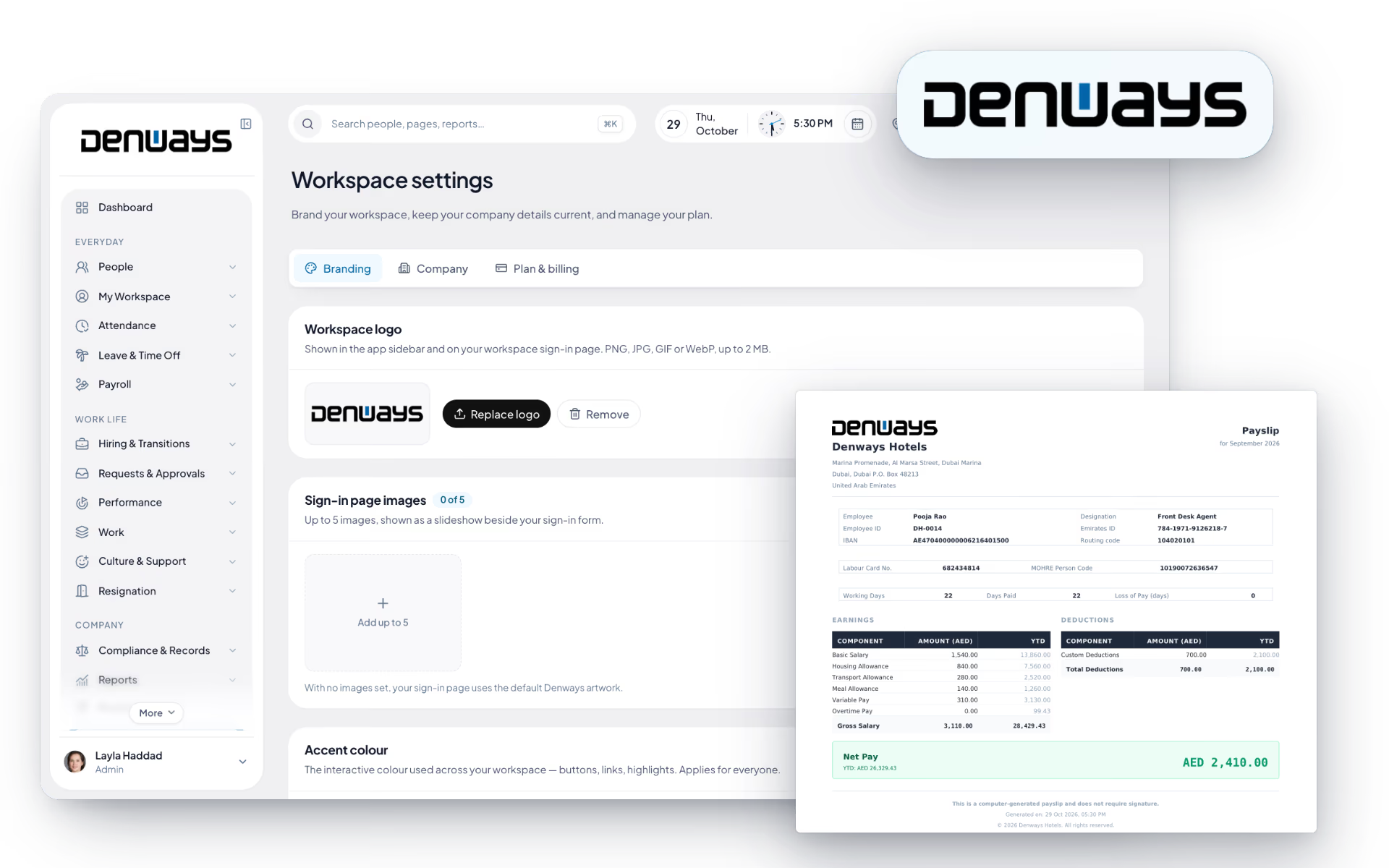
Your logo everywhere your team looks
Administrators upload the logo once and it applies across the whole employee experience, on every device the team uses.
- Organization branding managed from your own admin settings
- Your logo across the web app, and the mobile app when it ships
- A consistent look through the employee self-service portal
- No DenwaysHR branding in front of your staff
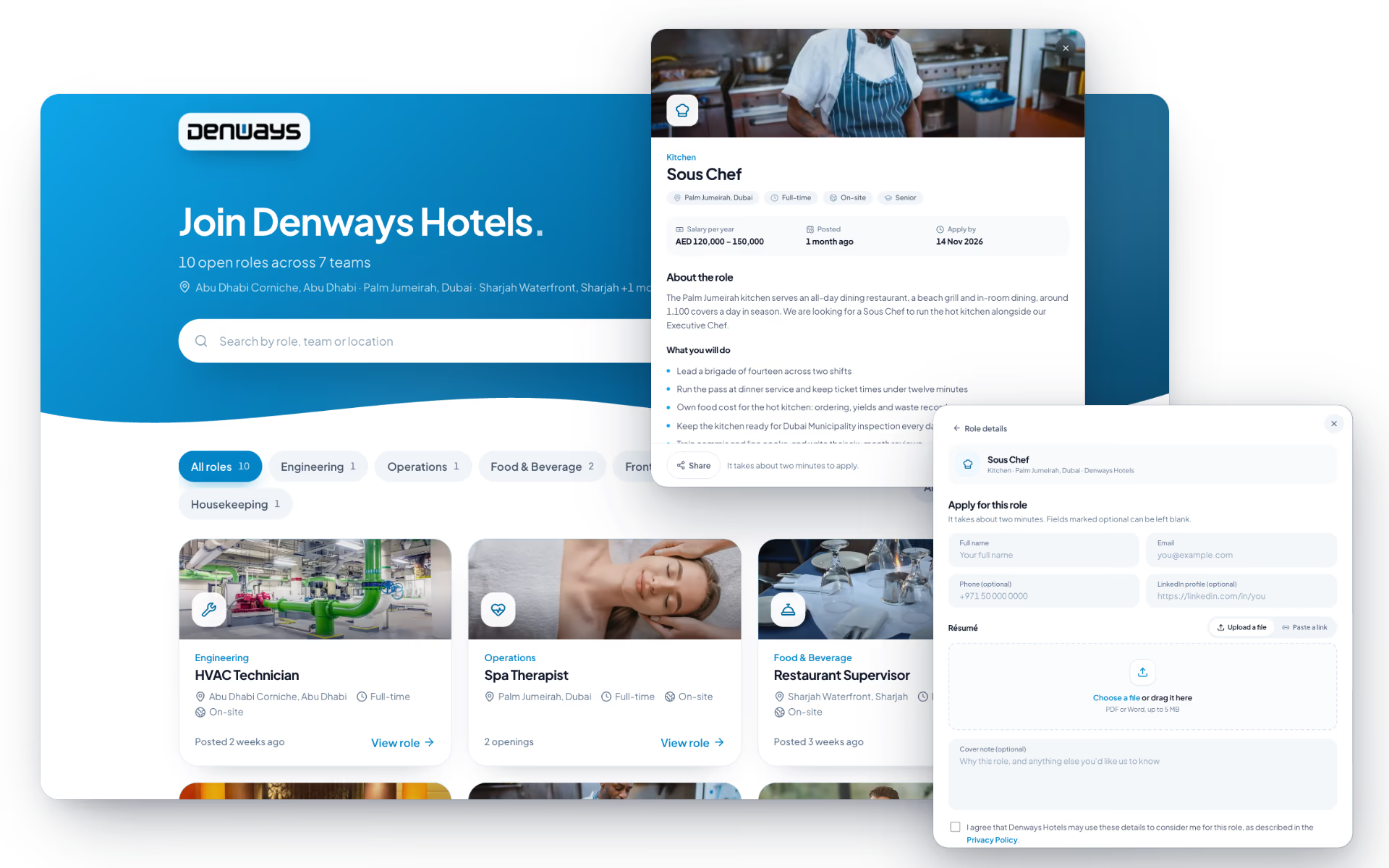
Candidates see your brand before they join
Recruitment is the first impression a company makes. The public careers page runs under your name, so applications never look like they belong to somebody else.
- A branded, public job listings page
- Candidates apply directly under your company name
- Applications land in your own recruitment pipeline
- A hired candidate becomes an employee on the same record
One platform underneath, isolated per company
Branding is the visible part. Underneath, every organization runs in its own isolated environment with the same security controls, and we handle the hosting and the updates.
- Data scoped and isolated per organization at the database level
- The same encryption, audit logging and access control on every account
- Hosting, patching and updates handled by us
- White-label branding enabled by your plan
Three surfaces. One brand across all of them.
Employees, managers and candidates each meet your company somewhere different. All three see your name.
The web app
- Your subdomain and sign-in screen
- Your logo in the app header
- Your favicon and tab title
The mobile app
- Your logo on the employee app
- Check-in, leave and payslips branded
- Push notifications from your company
The careers page
- Public job listings under your name
- Direct applications, no account needed
- Feeds straight into your pipeline
Behind all three, one isolated environment per organization, with the same encryption, audit logging and access controls as every other account.
The full list
What can you brand?
11 features across 2 parts of the product, each one built into the application. Where one depends on a plan, a setting or a release, the note under its module says so.
Branding
Your logo, your colour and your photographs on the screens your people see every day.
- Logo
- On the sign-in page, the sidebar, emails, payslips and the careers page.
- Accent colour
- Nine presets, applied to buttons, links and highlights for everyone, and to the email header.
- Sign-in page photos
- Up to five images shown as a slideshow beside the sign-in form. The first is the careers page header.
- Browser tab icon
- Your own favicon in tabs and bookmarks.
- Live preview
- See the sign-in page, sidebar, an email, a payslip and a browser tab before you save, with a colour suggested from your logo.
- Branded emails
- Invitations, notifications, candidate emails and celebrations go out with your name, logo and colour.
- Link previews
- Paste a workspace link into a chat app and the preview card is yours.
Your own address
yourcompany.denways.com, chosen once and yours for good.
- Choose it
- 3 to 30 characters, checked live as you type, with suggestions when a name is taken.
- Permanent
- An address cannot be changed or released, so a link you sent last year still works.
- Protected names
- Reserved words and well-known brand names are refused.
- Everything links to it
- Invitations, password resets and notification emails all point at your own address, and the careers page lives on it.
Questions
White-label questions, answered.
What exactly gets branded?
The subdomain your team signs in at, the favicon in the browser tab, the browser tab title, your logo across the web app (and the mobile app when it ships), and your company name through the employee experience. The public careers page candidates apply on carries the same branding.
What does the address look like?
Each organization gets its own subdomain in the form acme.denways.com, using your company name. That is the address your team bookmarks and signs in at, and it is the address in the browser bar rather than a generic vendor URL.
Can we use our own domain instead, like hr.acme.com?
The standard setup is a dedicated subdomain of denways.com. If pointing your own domain at the platform matters for your organization, raise it with us before you sign so we can tell you what is possible rather than promising it here.
Who uploads the logo and manages the branding?
Your own administrators, from organization settings inside the product. Branding is not a configuration request you have to send to us and wait on, and changes apply across the employee experience once saved.
Will employees ever see the DenwaysHR name?
Employees do not see it in the branded employee experience. The point of white-labeling is that your staff use your company's HR system. The platform underneath is still built, hosted, secured and updated by us, and your commercial relationship remains with Denways Technologies LLP.
Is every organization's data still separate?
Yes, and branding does not change that. Every organization's data is scoped and isolated at the database level, with Row-Level Security enforcing the tenant boundary beneath the application's own authorization. A branded environment is still an isolated one.
Which plan includes white-labeling?
White-label branding and the custom subdomain sit on the Enterprise plan. Like the other plan-gated modules, it switches on with the plan rather than requiring a separate installation or migration.
Keep reading
Bring your whole workforce onto one platform.
See how DenwaysHR handles HR, attendance and leave across the GCC, and payroll with the WPS file in the UAE.

