

HRMS questions on payroll, WPS and pricing: Everything a GCC team
asks before moving their HR.
Payroll and wage protection, attendance, leave, plans, security and integrations, with the limits stated rather than buried, so nothing lands as a surprise after you sign.
49 of 49 questions
Getting started
What is DenwaysHR?
DenwaysHR is an HRMS, a human resource management system, built for companies in the UAE and the wider GCC. It keeps employee records, attendance, leave, payroll, recruitment and performance against one employee record, so a change made once reaches everything that depends on it. Payroll produces the WPS salary file and calculates end-of-service gratuity.
See every featureWhat does HRMS stand for?
Human resource management system. Some people say human resource management software, and the meaning is the same: the software a company runs its people on, from the employee record through attendance and leave to payroll. Our guide explains how an HRMS differs from HRIS, HCM and plain payroll software.
Read: what is an HRMS?Can we try DenwaysHR before we commit to anything?
Yes. Organizations can sign up and start a trial directly, with core HR, attendance and leave available from the first day, and there is no call to sit through before you get in. At the end of the trial, continued use needs a paid plan. If you would rather see it driven by someone who knows it, book a demo instead.
Book a demoHow long does it take to get set up?
Set-up time depends on what you switch on. Employee records, attendance and leave can be running quickly once your people are loaded, because the setup is your org structure, your shift patterns and your holiday calendar. Payroll takes longer, since salary structures, bank details and wage protection identifiers all have to be right before a first live run. Tell us your headcount, branches and countries and we will give you a realistic sequence rather than a slogan.
Talk to us about your rolloutIs there a minimum team size?
There is no headcount floor, so small teams can sign up. Because plans are quoted per organization against headcount, branches and the modules you switch on, the sensible test is whether the modules you need justify the quote. The plan picker on the pricing page tells you which tier your selection lands on.
Find your planWhat data do you need from us to start?
For core HR: your people, their employment details, your org structure and reporting lines, your branches and your holiday calendar. Attendance adds shift patterns and site locations; leave adds your policies and current balances. Payroll needs salary structures, bank details and the identifiers your country's wage protection system requires.
Can we bring our existing data across?
Yes. Employee data is loaded in bulk rather than typed in one record at a time, and historical attendance can be brought across from your existing biometric terminals with a bulk CSV import. New joiners then complete their own profile and upload their own documents, so HR is not re-keying a passport number. Send us a sample of what you hold and we will tell you what maps cleanly and what does not.
Send us a sampleIs anyone available to help while we set up?
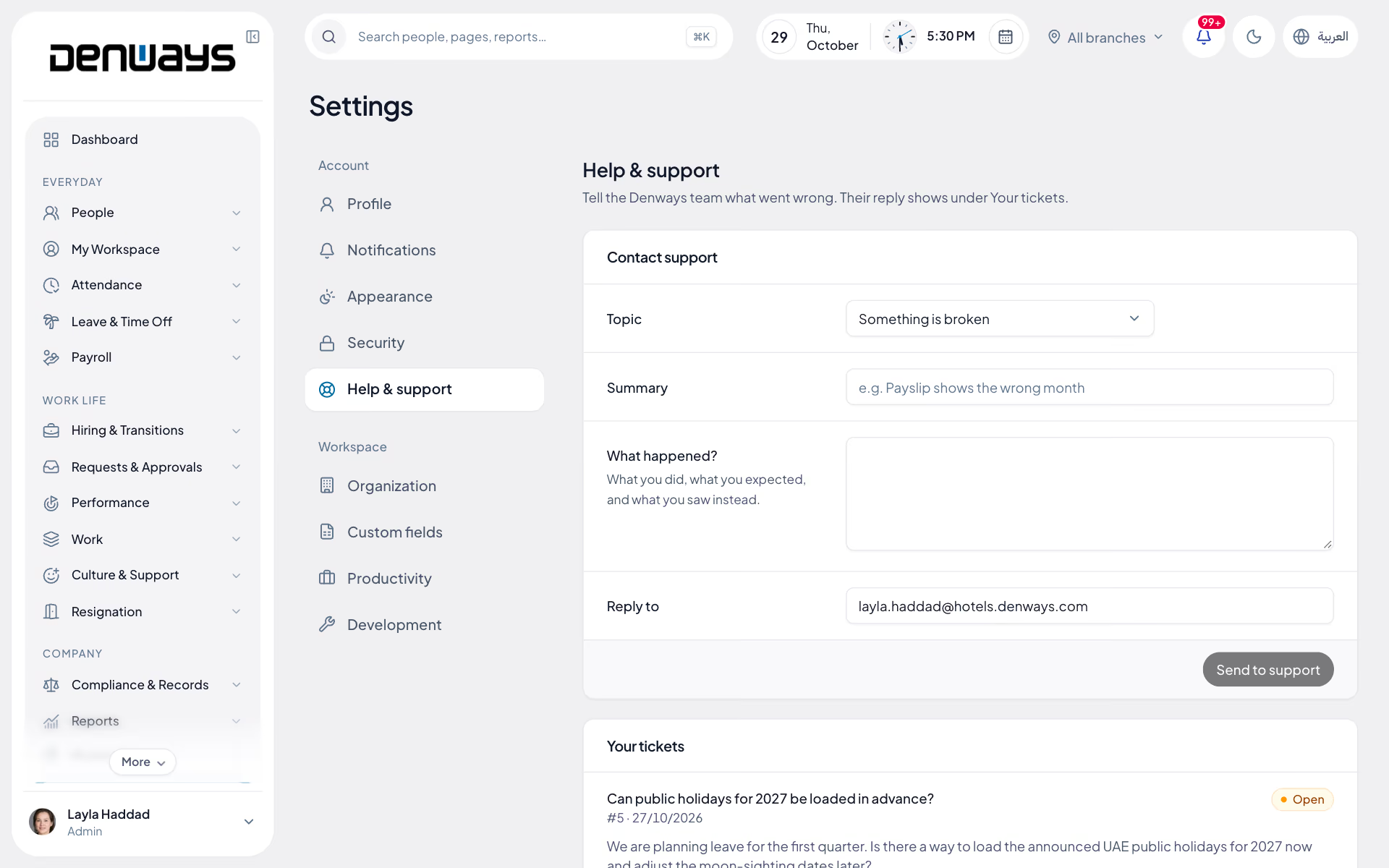
Yes, and your plan sets the level of help. Every plan includes support, and higher plans move from standard to priority and dedicated. Support runs through in-app ticketing from inside the product, so a ticket already knows which account it belongs to. Anything blocking a payroll run is escalated rather than queued behind general questions.
How support worksCan we see it running against our own situation first?
The demo is for exactly that. It is forty-five minutes, screen-shared, against your scenario rather than a tidy sandbox. Bring the payroll month that went wrong and we will show you where it would have been caught. If we cannot do something you need, you will hear that on the call rather than after signing.
Request a demoPayroll & WPS
Which countries does DenwaysHR run payroll for?
Payroll is complete for the UAE: the monthly run produces the WPS salary file and end-of-service gratuity. There is also a payroll engine for organizations registered in India. Saudi Arabia and Qatar are not built yet; there DenwaysHR covers employee records, attendance, rosters and leave. If you need payroll outside the UAE, ask us before you plan around it.
Payroll & WPSWhen will Saudi or Qatari payroll be available?
We have not published a date and will not guess at one here. If payroll in either country is what decides it for you, tell us: it helps us order the work, and we will tell you honestly where it stands.
Tell usWe have entities in the UAE and in Saudi Arabia or Qatar. Does that work?
Yes. Each organization is its own workspace, and one account can own several. The UAE entity gets full payroll with the WPS file and gratuity. The other entity runs people, time and leave on the same platform, with the same sign-in for you.
Does it generate our wage protection file?
Yes, for the UAE: the WPS salary file (SIF) comes directly from the approved payroll run, for each establishment. Wage files for Saudi Arabia (Mudad) and Qatar are not built yet. Nothing is exported to a spreadsheet and re-keyed before submission, which is where most wage protection rejections start. The file is produced from the same locked run that the register and payslips come from.
How WPS worksHow is end-of-service gratuity calculated?
Automatically, under UAE law, from the employee's service period and salary components. The calculated amount flows into full and final settlement when somebody exits, rather than being worked out separately in a spreadsheet and typed back in. Saudi Arabia and Qatar have their own free calculators on this site, and you can sanity-check any UAE figure with the free calculator too.
Gratuity calculatorCan we keep our own salary structures and allowances?
Yes. Salary structures are built from the components you pay, such as basic, housing and transport, and shift allowance rules are applied automatically from the attendance data rather than added by hand. Because UAE gratuity is calculated on basic pay, how you split a package matters, and the platform keeps that split explicit.
Salary breakdown calculatorWhat happens with mid-month joiners and leavers?
A joiner is paid pro-rata from their start date rather than for the full month. A leaver goes through the offboarding workflow into full and final settlement, which pulls in end-of-service gratuity where it applies, any leave encashment approved, and outstanding deductions. Both are calculated in the run rather than adjusted afterwards.
Can we handle loans and salary advances?
For organizations registered in India, yes: loans and advances follow an approval workflow, and repayments are deducted automatically each cycle until the balance clears. Loans are not yet available to UAE organizations. Reimbursements work everywhere, with receipt upload and two-stage approval before they reach the run.
Do employees get their own payslips?
Yes, through self-service on web and mobile: PDF payslips and full payslip history, without emailing HR for a copy. Employees also see their totals for the year and their end-of-service figure in the same place. That removes most of what lands in the HR inbox in the week after payday.
Employee self-serviceDo you submit the payment to our bank for us?
No. DenwaysHR produces the wage protection file and the bank reconciliation report from the approved run; the submission itself stays with you and your bank, because that relationship and its credentials are yours. If your bank needs a specific file layout, raise it with us so it can be scoped rather than discovered on payday.
Ask about your bank's layoutWhat happens if a payroll run has an error in it?
The run has five stages (draft, locked, approved, released and disbursed) with a pre-payroll checklist before the lock, and the point of locking before approval is that nothing moves underneath the approver. Errors caught before approval are corrected and revalidated in the same run. Anything found after disbursement is corrected as arrears in the next cycle, and every step is on the audit trail with who did it and when.
Attendance & leave
How does geofencing work?
You define a geo-zone for each site, and a punch is checked against the employee's location at the moment they make it. Administrators get a map view showing where the whole team checked in from, which is the part that matters for field and multi-site work. It answers where somebody checked in, not where they were for the rest of the day.
Attendance & time officeIs selfie check-in required for everyone?
No, it is a channel rather than a rule. Field and remote teams capture a geo-tagged selfie at check-in, while office staff can use the web app and site teams can use a biometric terminal. The images are treated as sensitive: they are served through signed URLs that expire, never a permanently public link.
Can we keep our existing biometric terminals?
Yes. Fingerprint and face terminals connect directly and punches flow into attendance and payroll without an export step. Device health monitoring tells you when a terminal stops reporting, so a dead device is noticed before month-end rather than during it, and an on-prem connector agent handles terminals that sit on a local network.
What happens at a site with no signal?
A biometric terminal keeps recording and its punches flow in once the connection returns, and the desktop tracker queues offline and syncs when it reconnects. A phone check-in needs a connection at the moment of the punch, so where coverage is genuinely absent the terminal is the reliable channel. Anything still missing is fixed by the employee raising a regularization request against the affected day.
Can we run different shift patterns per team?
Yes. Shift patterns are configurable and assigned per employee, so a night crew, a rotating roster and a standard office week can run in the same organization. Shift allowance rules apply automatically against the pattern the employee is on, rather than being added manually at the end of the month.
Shift schedulingHow is overtime handled?
Overtime is calculated by rules you configure, so the hours that reach payroll already reflect your contracts and the statutory uplifts you apply. Because attendance and payroll are the same system, approved overtime lands in the run without an export. You can check what a given uplift is worth with the free overtime calculator before you configure anything.
Overtime calculatorCan we configure our own leave policies and accrual?
Yes. Leave types, entitlements and accrual are configured per organization, and balances update in real time per leave type so employees and managers see the same number. Approval follows the reporting line already in your org structure, and a request can be transferred to another approver when the usual manager is away. Unused leave can be encashed through an approval workflow that feeds the payroll run.
Leave & comp-offHow are public holidays and comp-off treated?
The organization-wide holiday calendar is configured once and feeds both attendance and payroll, so a public holiday is never deducted as annual leave. Compensatory time off is earned against extra work and redeemed like any other leave type, on a transaction ledger with a running balance. Both the employee and their manager can see how a comp-off day was earned rather than relying on memory.
Plans & billing
How do the plans work?
There are five plans: Basic Tracking, Advance Tracking, Basic Payroll, Professional Payroll and Enterprise. The product's own billing uses the same names. They change which modules are switched on for your organization, not which product you are using. Core HR, attendance and leave are on every plan; payroll starts on Basic Payroll.
Compare the plansWhich modules are on which plan?
Basic Tracking covers employee records, the org chart, attendance, leave, the desktop timer, projects and CSV export. Advance Tracking adds geofencing, team chat, workforce monitoring and API access. Basic Payroll adds UAE payroll with the WPS file and gratuity, expenses and documents. Professional Payroll adds performance, recruitment, custom roles and asset tracking. Enterprise adds white-label branding on your own subdomain. The plan picker on the pricing page works backwards from the modules you select.
Pick your modulesCan we change plan later?
Yes. Moving between tiers changes which feature flags are active on the same account, so your employee records, attendance history, documents and payroll data stay exactly where they are. There is no migration, no second installation and no export-and-reimport step.
Why is pricing quoted instead of listed?
Because a published per-employee number would be wrong for most companies. Plans are priced per organization against headcount, the modules you switch on and the number of branches you run, so we quote against what you need rather than what an average customer needs. Run the plan picker first and you will know the tier before you talk to anyone.
Get a quoteWhat counts as an employee for the quote?
Headcount is one of the inputs to the quote, so how contractors, part-time staff and inactive records are treated is worth settling in writing before you sign rather than after. Ask for it to be spelled out in the quote itself. We would rather answer that question early than have it become a surprise on renewal.
Ask for it in writingHow long is the contract, and how does renewal work?
Plans are subscriptions, and the term, renewal and notice period are set out in the agreement you sign rather than fixed to one shape for everybody. The terms of service cover the general position; the specifics for your organization belong in your quote. Ask for both before you commit.
Service level agreementWhich currencies are involved?
Payroll is built for the UAE and runs in dirhams, with the WPS salary file and end-of-service gratuity. Saudi and Qatari payroll are not built yet, so attendance and leave are exported for a local payroll. The currency you are billed in is a separate question and is confirmed in your quote. If you need to be invoiced in a particular currency, say so during the conversation rather than after.
Talk to salesSecurity & data
Where is our data held?
Production sits behind Cloudflare and the origin accepts zero direct public inbound traffic, so every organization gets DDoS protection, managed WAF rules and bot mitigation. Hosting, infrastructure and the specific region your environment runs in are answered directly, in writing, for security reviews and procurement rather than summarised on a marketing page. Ask and you will get the detail before you sign.
Security & trustHow is one customer's data kept separate from another's?
DenwaysHR is multi-tenant by design, and each organization's data is isolated at the database level. The app never trusts an organization ID sent by a browser to decide whose data comes back. Underneath the app's own access checks, PostgreSQL Row-Level Security enforces the same boundary as a second, separate layer. White-label branding does not change this: a branded environment is still an isolated one.
How isolation worksWhat exactly is encrypted?
The most sensitive classes are encrypted at rest in the database: bank account details, government ID numbers such as Emirates IDs, and other personal and financial fields. That sits on top of access control rather than replacing it, so a field stays protected outside the normal query path. Everything in transit is encrypted with modern cipher suites and HSTS.
Who at Denways can see our data?
Access is limited to the people who need it to run and support the platform, on least-privilege service accounts, with administrative and SSH access behind an independent identity gate. When a support engineer acts inside your account, known as administrative impersonation, it is written to the audit trail with who did it, what they touched and when, so it is visible to you rather than invisible. If a support case needs that, you can see that it happened.
Is everything audit logged?
Sensitive actions are: role changes, salary changes, payroll disbursement, administrative impersonation and the equivalent across every module, each recorded with the actor, the record and the timestamp. The same trail runs across the whole platform rather than existing only in payroll. Exports follow the same permissions as the data itself and are recorded too.
How are uploaded documents and attendance selfies protected?
Sensitive media is never served from a guessable or permanently public link. Attendance selfies, monitoring screenshots and uploaded documents are delivered through signed URLs that expire, and every uploaded receipt, document and attachment is scanned by an antivirus engine before it is trusted. Identity documents live on the employee record with government identifiers encrypted at rest, not in a shared folder nobody has reviewed.
Can we get our data out if we leave?
Yes, and you should agree the mechanism before you sign rather than at the point of exit. CSV export and advanced reporting are plan-gated features, so check that your plan includes them if self-serve export matters to you, and a full extract can be arranged directly. Data retention and deletion after termination are governed by the agreement and the privacy policy.
Privacy policyDo you hold ISO 27001 or SOC 2?
No, and we will not imply otherwise. Tenant isolation, encryption of bank details and government IDs, audit logging, antivirus scanning on uploads, intrusion detection and encrypted restore-tested backups are all in production today, and we answer security questionnaires directly rather than pointing at a certificate. If a formal certification is a hard requirement for your procurement process, tell us early so nobody wastes a month.
What is in placeIntegrations & platform
Will DenwaysHR work with our biometric devices?
Attendance is read from fingerprint, face-recognition and card-based terminals, using either scheduled polling or a push from the device depending on what the hardware supports, and an on-prem connector agent covers devices on a local network. Rather than publish a compatibility list that goes stale, we check your exact models during implementation and confirm before you commit. Terminals that buffer offline are replayed once the connection returns.
Check your models with usCan payroll feed our accounting system?
The payroll run produces a payroll register and a bank reconciliation report, each exported as CSV for your finance team to post. A direct posting connection into a specific accounting or ERP product is scoped with us first, because the file shape and the account mapping differ for every finance team. Bring the system you post into to the conversation and we will tell you what is realistic.
Reporting & analyticsDo you support single sign-on and directory sync?
Bring both to the scoping conversation before you sign anything. Access today is role-based with a per-organization password policy, token-based sessions in HTTP-only cookies and rate-limited authentication endpoints, which is what most organizations run on. We will tell you in writing what we can support against your identity provider rather than leaving it to be discovered during implementation.
Scope it with usIs there API access for building our own integration?
Talk to us before you plan an integration around it. What is available for your account is confirmed in writing, including the resources you can read and write, the events you can subscribe to and the authentication model, rather than promised on a marketing page. Any access granted stays inside the same tenant boundary as the rest of the platform, scoped to your organization and written to the audit log.
Tell us what you need to buildWhat runs on mobile and desktop?
Today everything runs in the web app, which works on a phone: check-in and check-out with selfie and GPS, leave and comp-off requests, regularization, an approvals inbox and payslips. Native iOS and Android apps are in development. There is also a desktop tracker and a browser extension, but both are for workforce monitoring during tracked time rather than for everyday HR. All of them run on one employee record and one set of roles.
Web, desktop & browser appsCan the platform carry our branding instead of yours?
Yes, on the Enterprise plan. Your logo, company name, favicon and browser tab title apply across the web app, on a phone or a computer, and your team signs in at your own subdomain in the form acme.denways.com rather than a generic vendor URL. Your administrators manage that themselves from organization settings, so a logo change is not a support request.
White-label brandingStill need an answer.
Anything this page does not cover, a person will. Customers raise tickets from inside the product, and the support level is set by your plan.
Pricing, migration, a security questionnaire or something stuck in your account. Each topic routes straight to the team that handles it.
Forty-five minutes, screen-shared, no slide deck. Bring the payroll month that went wrong and we will show you where it would have been caught.
Wage protection, gratuity and UAE labour law explained end to end, for the questions that are about the rules rather than the product.
Priority levels, the escalation path and the cover that runs through payroll cut-off and disbursement, when the answer needs to arrive today.
Keep reading
Bring your whole workforce onto one platform.
See how DenwaysHR handles HR, attendance and leave across the GCC, and payroll with the WPS file in the UAE.

